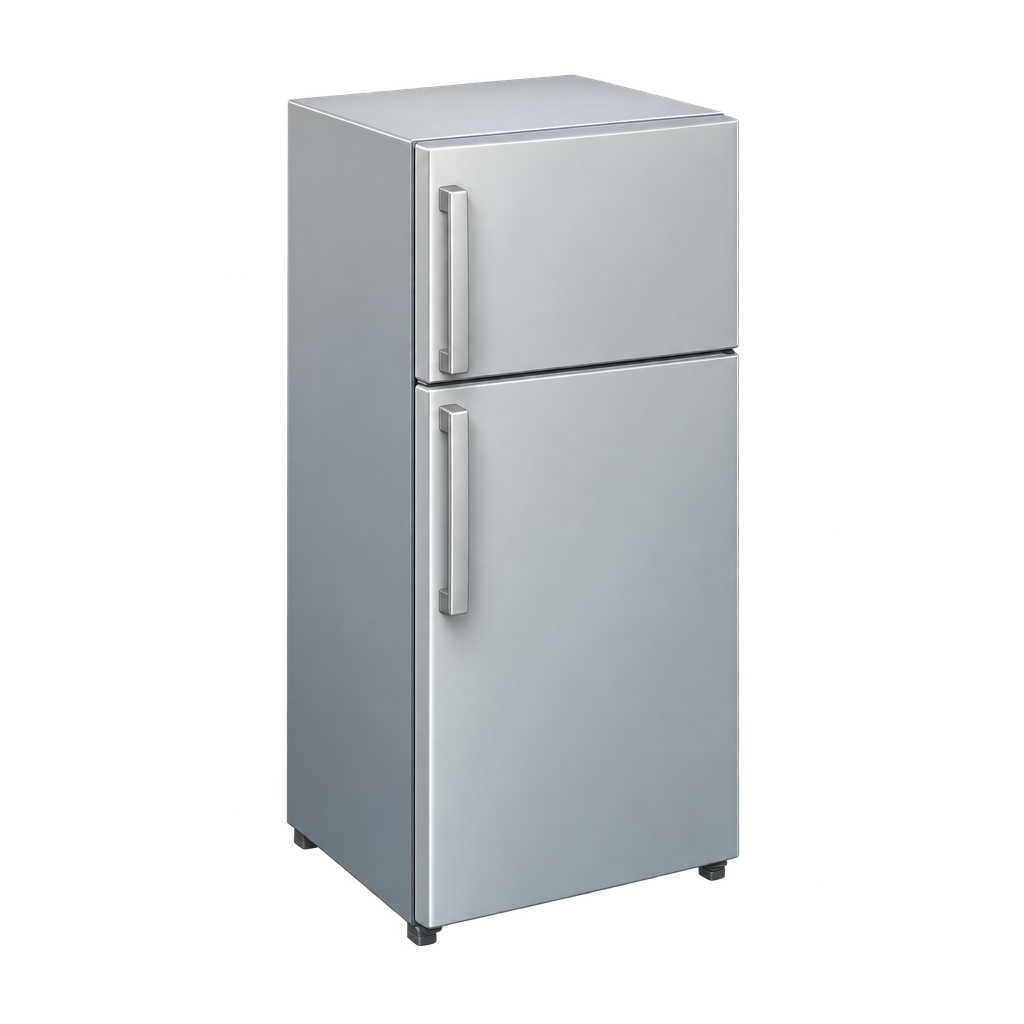
Refrigerator icon
- Size
- 1024×1024px
AI-generated image · Published by frema
Check the category page for ZIP contents and availability.
Use to place appliances in a kitchen scene or to illustrate kitchen equipment. This is a static image with closed doors; no interior or opening states are included. Handle and foot detail fades at 64px. Use about 128px or larger; fine detail simplifies at 64px. Match the scene perspective, scale and lighting.
File specifications
Pixel inspection records: 4 of 4 formats. These do not guarantee quality, suitability or rights clearance.
- PNG1024×1024 px791 KB
Transparency present
Content bounds 454 × 872px
Inspection details
Bounds include pixels with alpha above 16/255. This is not a quality or legibility approval.
frema-rgba-1 · sharp/0.35.4
SHA256 46a5be751d9710c85bfbe3271cb2092381a5199f9c725ba23c825c43f4d8bf0e - PNG512×512 px147 KB
Transparency present
Content bounds 227 × 436px
Inspection details
Bounds include pixels with alpha above 16/255. This is not a quality or legibility approval.
frema-rgba-1 · sharp/0.35.4
SHA256 6a6b637686b04d402888df187a595b139a4f7341239cfa7a2f9a9acf89d9b5fd - PNG256×256 px40 KB
Transparency present
Content bounds 114 × 219px
Inspection details
Bounds include pixels with alpha above 16/255. This is not a quality or legibility approval.
frema-rgba-1 · sharp/0.35.4
SHA256 117d6701256116a3898c73d07e6d4375280bc54fba4382fff7c36e7b02b5722e - WebP1024×1024 px221 KB
Transparency present
Content bounds 454 × 872px
Inspection details
Bounds include pixels with alpha above 16/255. This is not a quality or legibility approval.
frema-rgba-1 · sharp/0.35.4
SHA256 799680beaf2184e973cb857ed2030dfd8cd24ad9383ef36a324b3d03bc1af023
About this asset
Refrigerator icon is a free CC0 asset — commercial use OK, editing OK, no credit required. Download it and use it as-is in your games and websites.
Ideas for use
- Closed Two-Door Refrigerator. One static raster image. Use to place appliances in a kitchen scene or to illustrate kitchen equipment.
Check at actual size
The full image, including its padding, is shown. Switch backgrounds to check readability at small sizes. These are CSS pixels, not the download resolution.
Displayed image measurements (WebP)
Measurements use the displayed image. Occupied bounds enclose pixels with opacity above 16/255. Transparent pixels do not guarantee that the entire background has been removed.
Checking image pixels…
Try it in a UI
Compare labeled buttons, icon-only buttons and menu items. The light/dark setting above also applies here.
Button examples
Not selected: press a button to preview its selected state.
Menu example
These controls affect this example only. The entire image is scaled without cropping, recoloring or removing padding. Disabled buttons are dimmed as a whole. Check suitability with your own labels and backgrounds.