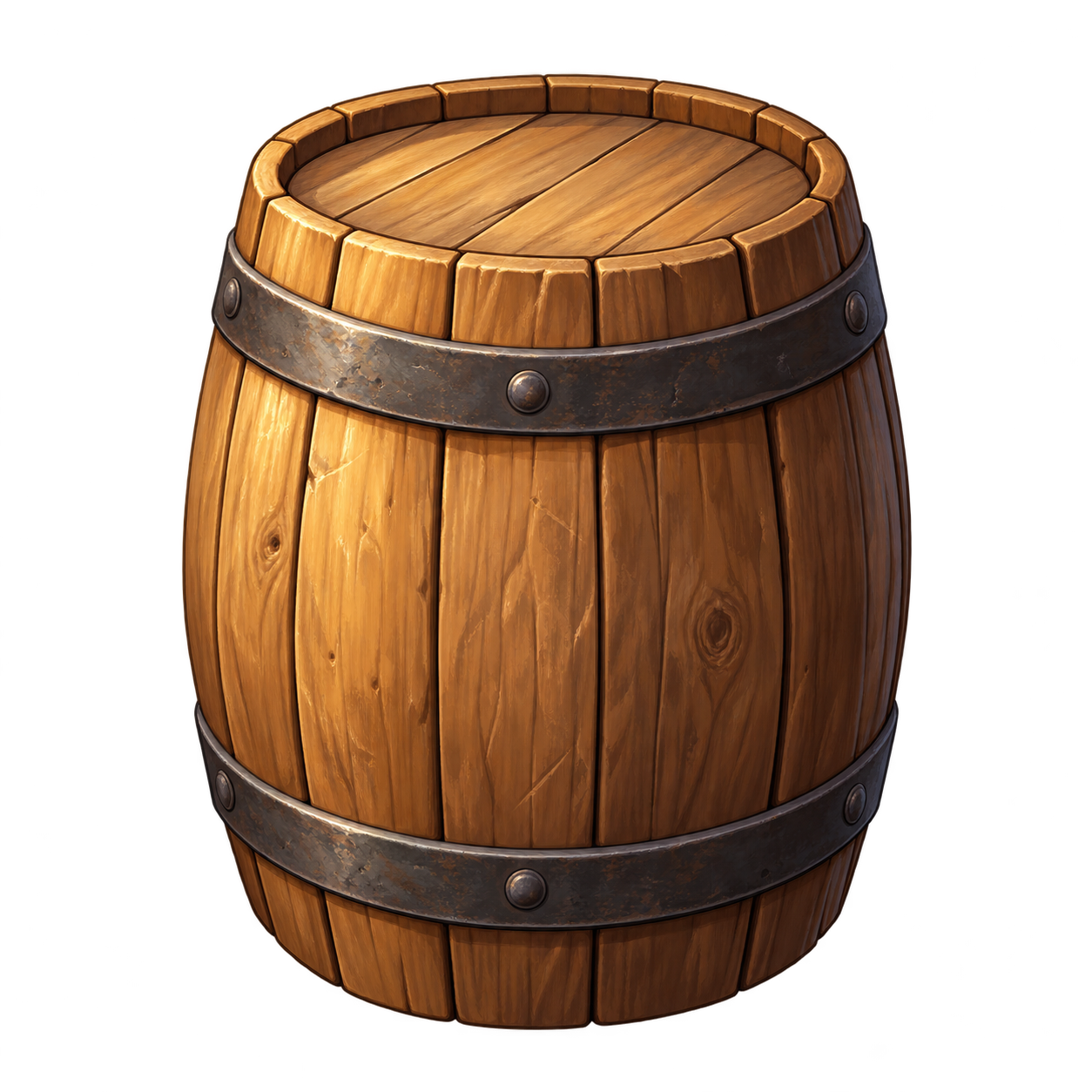
Wooden barrel
- Size
- 1254×1254px
- DL
- 1
AI-generated image · Published by frema
Check the category page for ZIP contents and availability.
For warehouse or tavern scenery. The lid is closed; no open state is included. A static transparent prop viewed from slightly above, for layering over a scene. Only this single view is included, without animation, collision or placement logic. At 64px the silhouette dominates; use 128px or larger for joints and fine detail.
File specifications
Pixel inspection records: 4 of 4 formats. These do not guarantee quality, suitability or rights clearance.
- PNG1254×1254 px1.4 MB
Transparency present
Content bounds 838 × 1099px
Inspection details
Bounds include pixels with alpha above 16/255. This is not a quality or legibility approval.
frema-rgba-1 · sharp/0.35.4
SHA256 b2cdaa46d7a665b738f380f36951943b9a7dd3913574d6ae7a503b2697390790 - PNG512×512 px268 KB
Transparency present
Content bounds 343 × 449px
Inspection details
Bounds include pixels with alpha above 16/255. This is not a quality or legibility approval.
frema-rgba-1 · sharp/0.35.4
SHA256 7cc05c4ba3241cff479a875f68fa3bcf43fe2400b693064e90ec7b6a800820c0 - PNG256×256 px76 KB
Transparency present
Content bounds 172 × 225px
Inspection details
Bounds include pixels with alpha above 16/255. This is not a quality or legibility approval.
frema-rgba-1 · sharp/0.35.4
SHA256 242c2be435d6ca5d96caefe46a8dd417b97e59548d047019cff5f79d762c3580 - WebP1254×1254 px989 KB
Transparency present
Content bounds 838 × 1099px
Inspection details
Bounds include pixels with alpha above 16/255. This is not a quality or legibility approval.
frema-rgba-1 · sharp/0.35.4
SHA256 b9cfb9a37fa8f29808a4a111f976c2a856d5166b2cae2774ee957692cbe8320d
About this asset
Wooden barrel is a free CC0 asset — commercial use OK, editing OK, no credit required. Download it and use it as-is in your games and websites.
Ideas for use
- For warehouse or tavern scenery. The lid is closed; no open state is included.
Try placement over a background
Choose a background and compare the prop’s size and ground position. This example layers a transparent PNG over a separate background.
Shown: width 14%, horizontal 50%, ground 92%
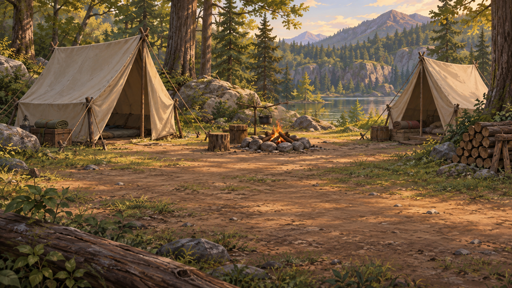
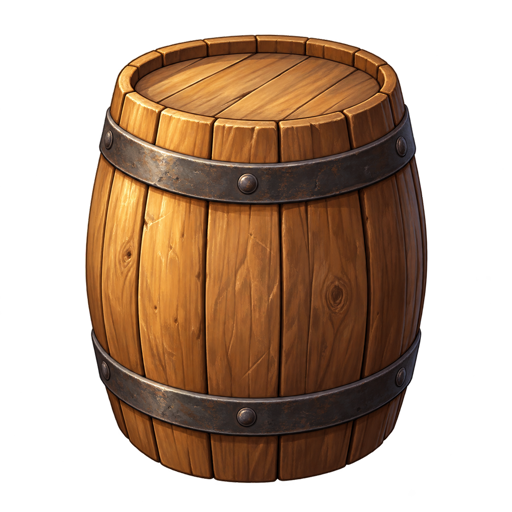
Displayed values are limited to keep the prop inside the scene. Compare perspective, lighting and scale for your project. No shadows, collisions or animation are added.
HTML / CSS for this placement
Download each displayed PNG 512px and place it beside your HTML using the filenames in the code. This does not export a merged image. The example preserves the background and prop proportions.
<div class="scene">
  <img class="scene__prop" src="./frema-icon-prop-barrel-png512.png" alt="">
</div>

.scene {
  position: relative;
  width: 100%;
  aspect-ratio: 512 / 288;
  overflow: hidden;
  background: #e2e8f0 url("./frema-background-camp-png512.png") center / 100% 100% no-repeat;
}
.scene__prop {
  position: absolute;
  left: 39.5306%;
  top: 56.9524%;
  width: 20.898%;
  height: auto;
  max-width: none;
}
SCENE LAYOUT · ORIGINAL PNG / HTML / CSS / JavaScript · CC0
Background and prop layout kit
V3 adds nature props and forest and riverside backgrounds. Switch between Japanese and English, arrange a scene and take it into your project.
- 0129 original PNGs: 5 backgrounds and 24 props
- 02Adjust visible width, centre, base and layer order
- 03Save/restore layout JSON; export HTML/CSS
V3 controls are available in Japanese and English. Assess lighting, perspective and style for your project. Image compositing export, automatic shadow matching and game logic are not included.
Check at actual size
The full image, including its padding, is shown. Switch backgrounds to check readability at small sizes. These are CSS pixels, not the download resolution.
Displayed image measurements (WebP)
Measurements use the displayed image. Occupied bounds enclose pixels with opacity above 16/255. Transparent pixels do not guarantee that the entire background has been removed.
Checking image pixels…
Try it in a UI
Compare labeled buttons, icon-only buttons and menu items. The light/dark setting above also applies here.
Button examples
Not selected: press a button to preview its selected state.
Menu example
These controls affect this example only. The entire image is scaled without cropping, recoloring or removing padding. Disabled buttons are dimmed as a whole. Check suitability with your own labels and backgrounds.