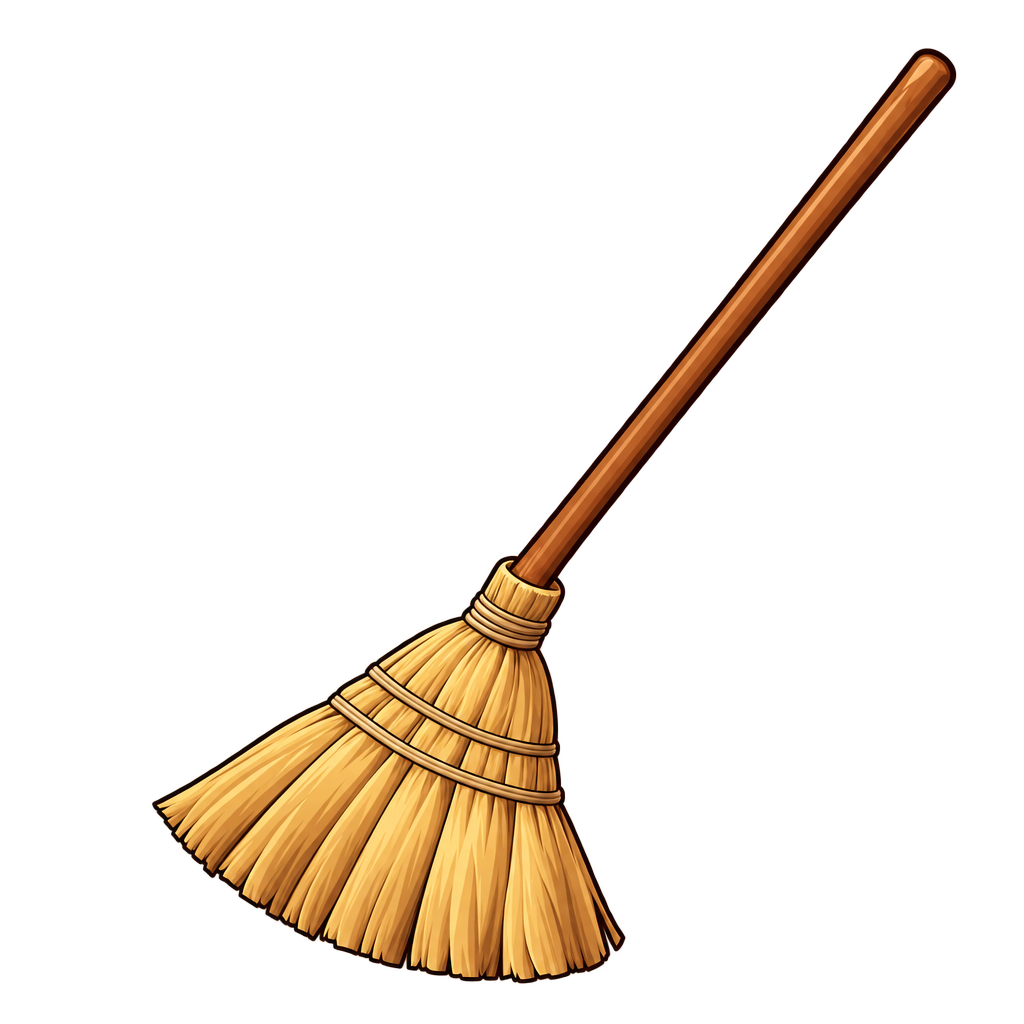
Broom Icon
- Size
- 1024×1024px
- DL
- 1
AI-generated image · Published by frema
Check the category page for ZIP contents and availability.
Use as a tool inventory item or a scene prop for cleaning and housework. One still image, without separate part layers, controls, animation or game logic. Match perspective, scale, ground contact and lighting to your scene. Detail visibility depends on display size and background. Cleaning actions and physics are not included.
File specifications
Pixel inspection records: 4 of 4 formats. These do not guarantee quality, suitability or rights clearance.
- PNG1024×1024 px897 KB
Transparency present
Content bounds 805 × 936px
Inspection details
Bounds include pixels with alpha above 16/255. This is not a quality or legibility approval.
frema-rgba-1 · sharp/0.35.4
SHA256 96d08d99e9d027abe36c5627a84b31105318e603de3b6a13a73c7278fa798230 - PNG512×512 px121 KB
Transparency present
Content bounds 403 × 468px
Inspection details
Bounds include pixels with alpha above 16/255. This is not a quality or legibility approval.
frema-rgba-1 · sharp/0.35.4
SHA256 a6a4d7c1221d35059bbd3dacf38b080d27fe1fac3e6456e38c5f47f3561e3bc5 - PNG256×256 px33 KB
Transparency present
Content bounds 202 × 234px
Inspection details
Bounds include pixels with alpha above 16/255. This is not a quality or legibility approval.
frema-rgba-1 · sharp/0.35.4
SHA256 4eac932f49bc1b8c3ae845d5a98123e97fcf1ad0b2724b9e0ec9b3a947ab750a - WebP1024×1024 px216 KB
Transparency present
Content bounds 805 × 936px
Inspection details
Bounds include pixels with alpha above 16/255. This is not a quality or legibility approval.
frema-rgba-1 · sharp/0.35.4
SHA256 4bcc1a3c9024aa0401502b561c2c11c254c81476093c4a81e9eebd95cca90fb1
About this asset
Broom Icon is a free CC0 asset — commercial use OK, editing OK, no credit required. Download it and use it as-is in your games and websites.
Ideas for use
- Broom scene prop. One static raster image. Use as a tool inventory item or a scene prop for cleaning and housework.
Check at actual size
The full image, including its padding, is shown. Switch backgrounds to check readability at small sizes. These are CSS pixels, not the download resolution.
Displayed image measurements (WebP)
Measurements use the displayed image. Occupied bounds enclose pixels with opacity above 16/255. Transparent pixels do not guarantee that the entire background has been removed.
Checking image pixels…
Try it in a UI
Compare labeled buttons, icon-only buttons and menu items. The light/dark setting above also applies here.
Button examples
Not selected: press a button to preview its selected state.
Menu example
These controls affect this example only. The entire image is scaled without cropping, recoloring or removing padding. Disabled buttons are dimmed as a whole. Check suitability with your own labels and backgrounds.