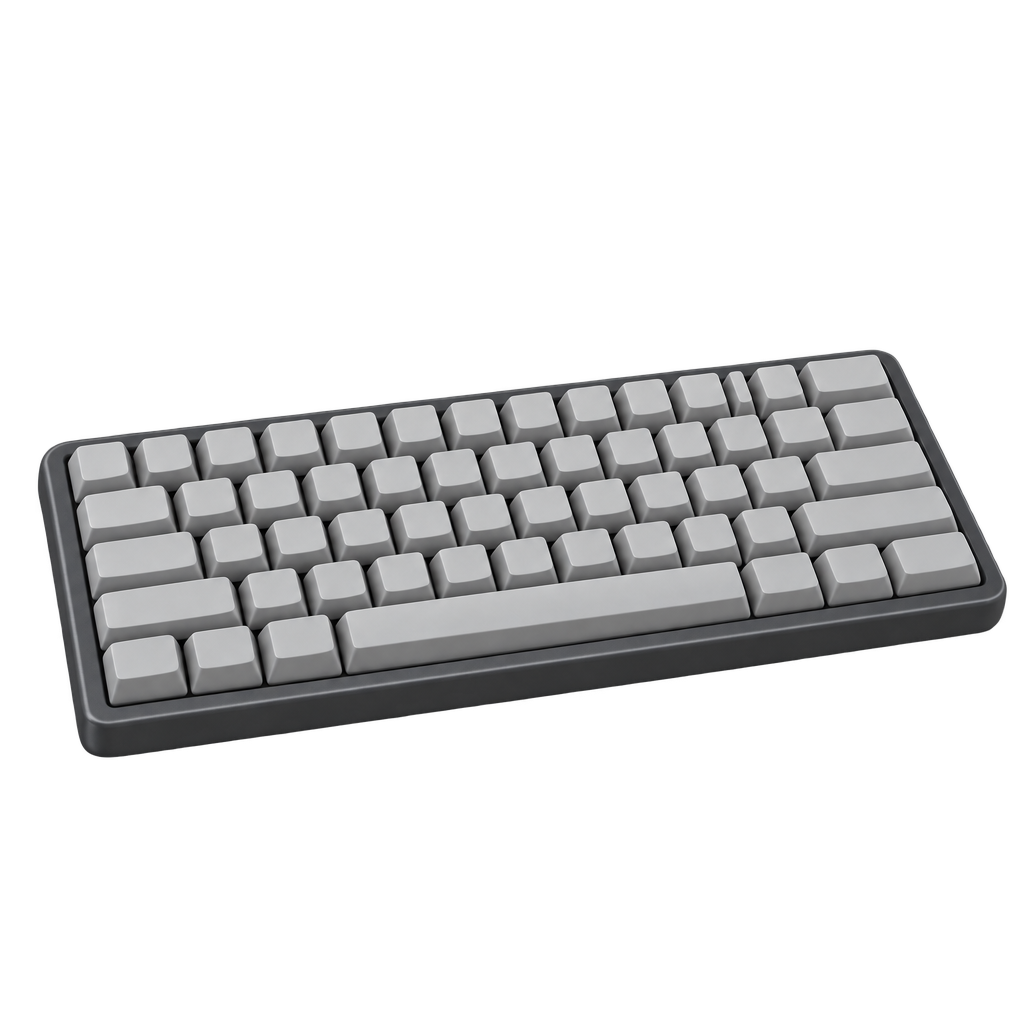
Computer keyboard icon
- Size
- 1024×1024px
AI-generated image · Published by frema
Check the category page for ZIP contents and availability.
Use as a desk or computer-area prop, or to represent an input device in an inventory. The key layout is illustrative. Use about 128px or larger; at 64px, key gaps and raised edges simplify. Match the scene perspective, scale and lighting.
File specifications
Pixel inspection records: 4 of 4 formats. These do not guarantee quality, suitability or rights clearance.
- PNG1024×1024 px805 KB
Transparency present
Content bounds 970 × 409px
Inspection details
Bounds include pixels with alpha above 16/255. This is not a quality or legibility approval.
frema-rgba-1 · sharp/0.35.4
SHA256 f425b430c2c29e82c8fb577f94d6a7fe0f7a73851e0a33689fc30905080b814c - PNG512×512 px136 KB
Transparency present
Content bounds 486 × 205px
Inspection details
Bounds include pixels with alpha above 16/255. This is not a quality or legibility approval.
frema-rgba-1 · sharp/0.35.4
SHA256 b581c0d0614d796197836802c7ad904d34866c786d880b4319790a4bd8143f04 - PNG256×256 px38 KB
Transparency present
Content bounds 243 × 103px
Inspection details
Bounds include pixels with alpha above 16/255. This is not a quality or legibility approval.
frema-rgba-1 · sharp/0.35.4
SHA256 c507748907a5582ecb69941acaf5b9d860c1d3b6e7099633a3d5c1b19e29af26 - WebP1024×1024 px245 KB
Transparency present
Content bounds 970 × 409px
Inspection details
Bounds include pixels with alpha above 16/255. This is not a quality or legibility approval.
frema-rgba-1 · sharp/0.35.4
SHA256 7a520ca242642d0b58ea32ea28a8a54c7cabc334f6a1ccd408f696865dfc1f7a
About this asset
Computer keyboard icon is a free CC0 asset — commercial use OK, editing OK, no credit required. Download it and use it as-is in your games and websites.
Ideas for use
- Gray Keyboard with Blank Keys. One static raster image. Use as a desk or computer-area prop, or to represent an input device in an inventory.
Check at actual size
The full image, including its padding, is shown. Switch backgrounds to check readability at small sizes. These are CSS pixels, not the download resolution.
Displayed image measurements (WebP)
Measurements use the displayed image. Occupied bounds enclose pixels with opacity above 16/255. Transparent pixels do not guarantee that the entire background has been removed.
Checking image pixels…
Try it in a UI
Compare labeled buttons, icon-only buttons and menu items. The light/dark setting above also applies here.
Button examples
Not selected: press a button to preview its selected state.
Menu example
These controls affect this example only. The entire image is scaled without cropping, recoloring or removing padding. Disabled buttons are dimmed as a whole. Check suitability with your own labels and backgrounds.