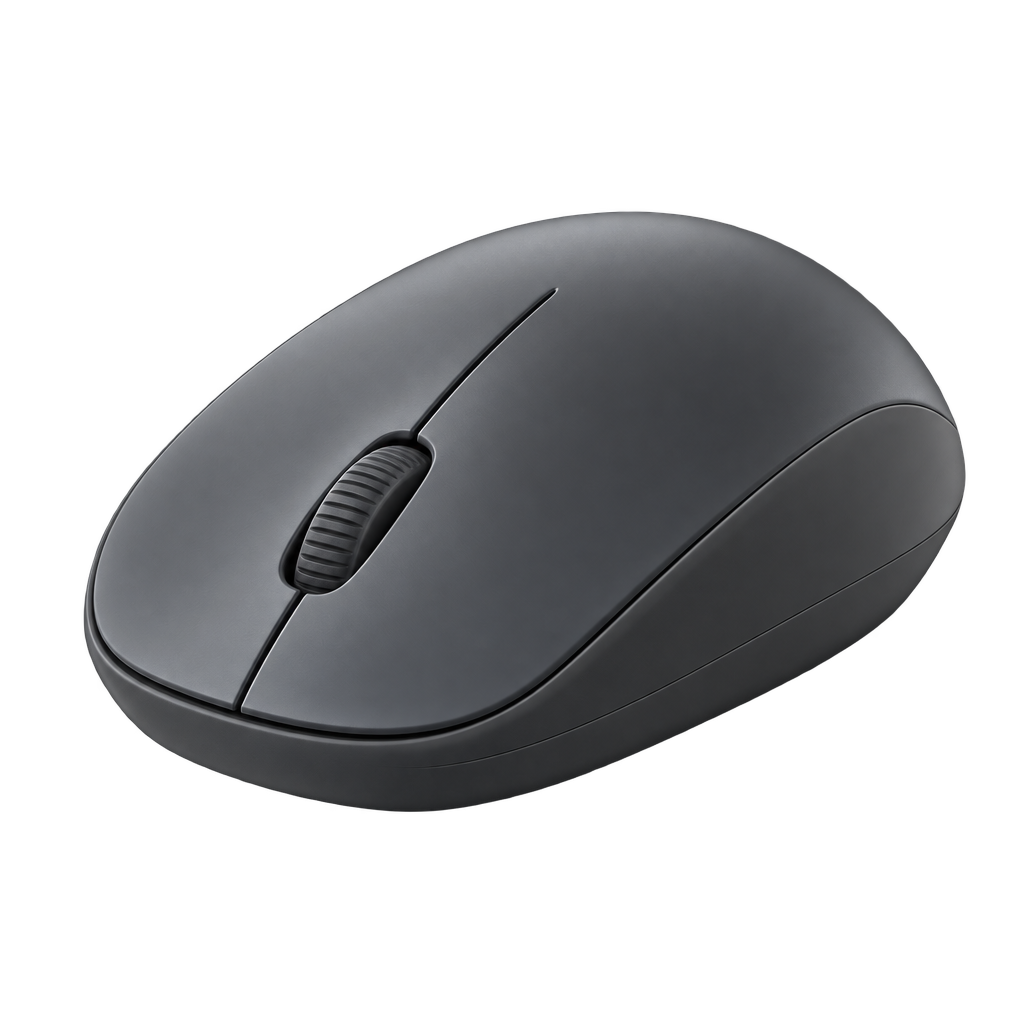
Computer mouse icon
- Size
- 1024×1024px
AI-generated image · Published by frema
Check the category page for ZIP contents and availability.
Use as a desk prop or in scenes introducing computer input devices. Use about 128px or larger. At 64px, wheel ridges and button seams simplify; the underside blends into dark backgrounds. One still image, without controls or connectivity.
File specifications
Pixel inspection records: 4 of 4 formats. These do not guarantee quality, suitability or rights clearance.
- PNG1024×1024 px879 KB
Transparency present
Content bounds 883 × 601px
Inspection details
Bounds include pixels with alpha above 16/255. This is not a quality or legibility approval.
frema-rgba-1 · sharp/0.35.4
SHA256 ccbf439542a356084492b313fd9fbd57a70af3818f5a00e39a26c417673c3186 - PNG512×512 px155 KB
Transparency present
Content bounds 442 × 301px
Inspection details
Bounds include pixels with alpha above 16/255. This is not a quality or legibility approval.
frema-rgba-1 · sharp/0.35.4
SHA256 61ddd77b16b3e2fa732e8abf5f63e60f284c28e5056e4f327b29f1f6497e6617 - PNG256×256 px42 KB
Transparency present
Content bounds 222 × 151px
Inspection details
Bounds include pixels with alpha above 16/255. This is not a quality or legibility approval.
frema-rgba-1 · sharp/0.35.4
SHA256 90ca4e79f982169602d3d6187a058ec457f8b7fa8eaf4fea489d591096622bc3 - WebP1024×1024 px284 KB
Transparency present
Content bounds 883 × 601px
Inspection details
Bounds include pixels with alpha above 16/255. This is not a quality or legibility approval.
frema-rgba-1 · sharp/0.35.4
SHA256 ff823f1e2b2449f6b4cf903716a5cf23feb72f5f3b584fa3fe8e7243b5d9d1a4
About this asset
Computer mouse icon is a free CC0 asset — commercial use OK, editing OK, no credit required. Download it and use it as-is in your games and websites.
Ideas for use
- Gray Wireless Mouse. One static raster image. Use as a desk prop or in scenes introducing computer input devices.
Check at actual size
The full image, including its padding, is shown. Switch backgrounds to check readability at small sizes. These are CSS pixels, not the download resolution.
Displayed image measurements (WebP)
Measurements use the displayed image. Occupied bounds enclose pixels with opacity above 16/255. Transparent pixels do not guarantee that the entire background has been removed.
Checking image pixels…
Try it in a UI
Compare labeled buttons, icon-only buttons and menu items. The light/dark setting above also applies here.
Button examples
Not selected: press a button to preview its selected state.
Menu example
These controls affect this example only. The entire image is scaled without cropping, recoloring or removing padding. Disabled buttons are dimmed as a whole. Check suitability with your own labels and backgrounds.