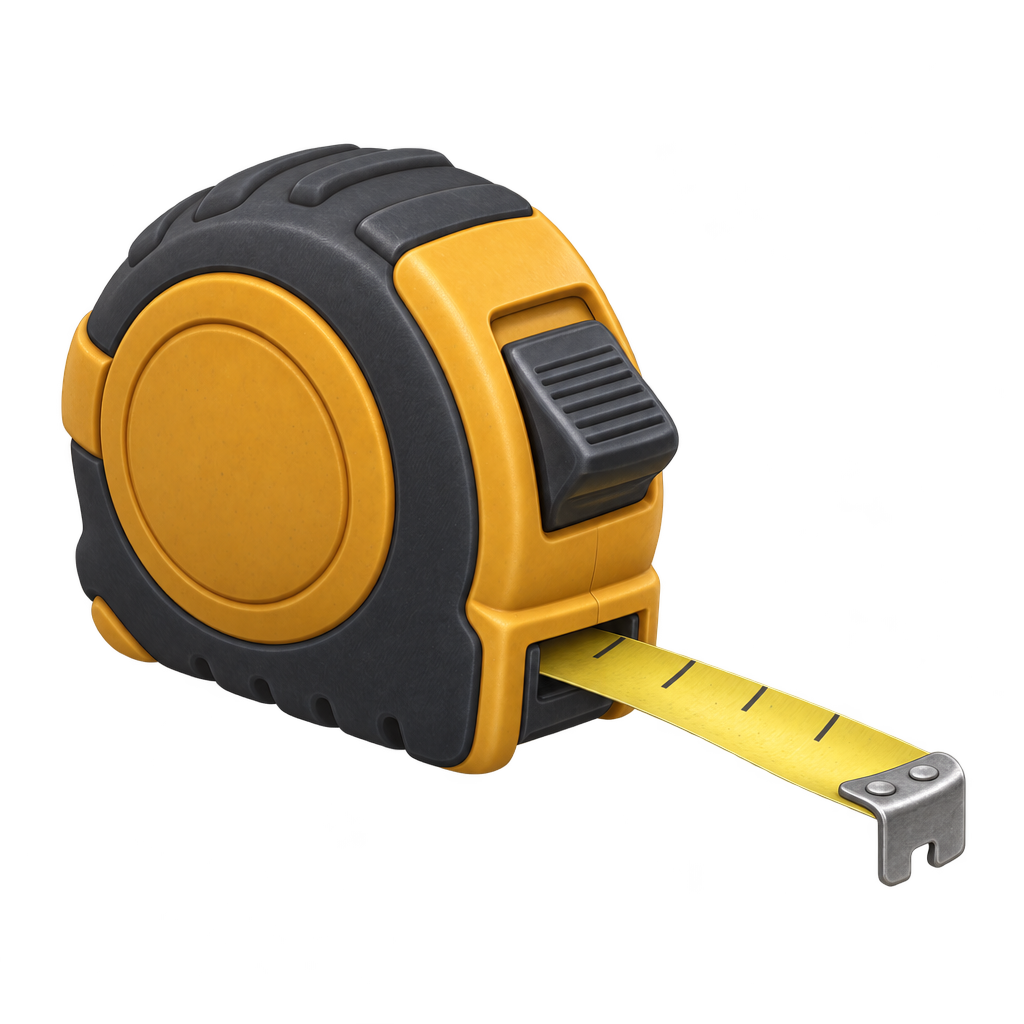
Tape Measure Icon
- Size
- 1024×1024px
AI-generated image · Published by frema
Check the category page for ZIP contents and availability.
Use for crafting and DIY tools, illustrations about checking dimensions, or inventory displays. Sparse unnumbered ticks are illustrative, not calibrated marks or an accurate scale. This static tool has no measurement or extension and retraction function. 128px or larger is recommended; fine lines and the end hook are simplified at 64px.
File specifications
Pixel inspection records: 4 of 4 formats. These do not guarantee quality, suitability or rights clearance.
- PNG1024×1024 px1.1 MB
Transparency present
Content bounds 905 × 744px
Inspection details
Bounds include pixels with alpha above 16/255. This is not a quality or legibility approval.
frema-rgba-1 · sharp/0.35.4
SHA256 cb6277540656d1cf2488ee1fada97f582194e1b0627e49a17d05733cd47be39f - PNG512×512 px206 KB
Transparency present
Content bounds 453 × 373px
Inspection details
Bounds include pixels with alpha above 16/255. This is not a quality or legibility approval.
frema-rgba-1 · sharp/0.35.4
SHA256 f8e3042e318734d126e294cb8c8eb797b945abb3ec1cfa3db03d90902421fde2 - PNG256×256 px57 KB
Transparency present
Content bounds 227 × 187px
Inspection details
Bounds include pixels with alpha above 16/255. This is not a quality or legibility approval.
frema-rgba-1 · sharp/0.35.4
SHA256 6ae8d20cbae7944902ce6955ed80f5f614878a38f69b64e4e5719bc8646a3be2 - WebP1024×1024 px370 KB
Transparency present
Content bounds 905 × 744px
Inspection details
Bounds include pixels with alpha above 16/255. This is not a quality or legibility approval.
frema-rgba-1 · sharp/0.35.4
SHA256 dd61737848da7ba6baf55fd3b303c8bb4c86cab6d8a3ad019a32fab0edd4f1cb
About this asset
Tape Measure Icon is a free CC0 asset — commercial use OK, editing OK, no credit required. Download it and use it as-is in your games and websites.
Ideas for use
- Yellow and black tape measure with unnumbered ticks. One static raster image. Use for crafting and DIY tools, illustrations about checking dimensions, or inventory displays.
Check at actual size
The full image, including its padding, is shown. Switch backgrounds to check readability at small sizes. These are CSS pixels, not the download resolution.
Displayed image measurements (WebP)
Measurements use the displayed image. Occupied bounds enclose pixels with opacity above 16/255. Transparent pixels do not guarantee that the entire background has been removed.
Checking image pixels…
Try it in a UI
Compare labeled buttons, icon-only buttons and menu items. The light/dark setting above also applies here.
Button examples
Not selected: press a button to preview its selected state.
Menu example
These controls affect this example only. The entire image is scaled without cropping, recoloring or removing padding. Disabled buttons are dimmed as a whole. Check suitability with your own labels and backgrounds.