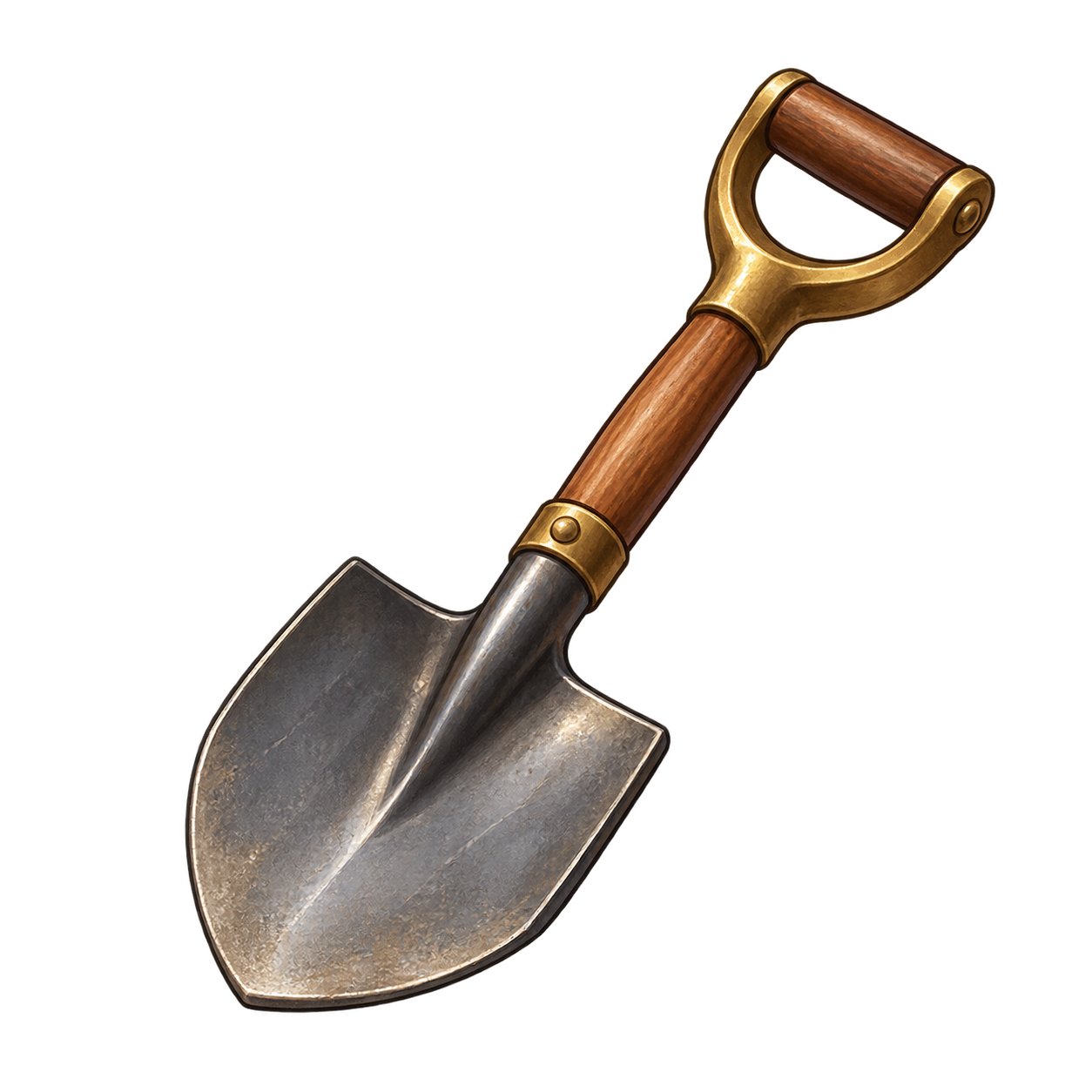
Shovel icon
- Size
- 1254×1254px
AI-generated image · Published by frema
Check the category page for ZIP contents and availability.
Transparent inventory item icon. Use 128px or larger to retain detail; check the silhouette when displaying at smaller sizes.
File specifications
Pixel inspection records: 4 of 4 formats. These do not guarantee quality, suitability or rights clearance.
- PNG1254×1254 px783 KB
Transparency present
Content bounds 931 × 1087px
Inspection details
Bounds include pixels with alpha above 16/255. This is not a quality or legibility approval.
frema-rgba-1 · sharp/0.35.4
SHA256 9fc8ccbf969ecc3450ac3def3823f977ee73e59cf3d43471a31b5346c218938d - PNG512×512 px144 KB
Transparency present
Content bounds 381 × 444px
Inspection details
Bounds include pixels with alpha above 16/255. This is not a quality or legibility approval.
frema-rgba-1 · sharp/0.35.4
SHA256 0bc89ed199e00e859b19c2033f9e7689fdf7a488b99294fced0aec80361821a5 - PNG256×256 px40 KB
Transparency present
Content bounds 191 × 223px
Inspection details
Bounds include pixels with alpha above 16/255. This is not a quality or legibility approval.
frema-rgba-1 · sharp/0.35.4
SHA256 e21e35dbec6fb06ff455ea898300a9a8fdcf7b7adea099589065225c45227783 - WebP1254×1254 px486 KB
Transparency present
Content bounds 931 × 1087px
Inspection details
Bounds include pixels with alpha above 16/255. This is not a quality or legibility approval.
frema-rgba-1 · sharp/0.35.4
SHA256 d18700b036099b48795658ea3435a7668c94bc5bb845548ceff935ab25c953c9
About this asset
Shovel icon is a free CC0 asset — commercial use OK, editing OK, no credit required. Download it and use it as-is in your games and websites.
Ideas for use
- UI buttons in apps and games
- Website navigation and headings
- Accents for documents and slides
Check at actual size
The full image, including its padding, is shown. Switch backgrounds to check readability at small sizes. These are CSS pixels, not the download resolution.
Displayed image measurements (WebP)
Measurements use the displayed image. Occupied bounds enclose pixels with opacity above 16/255. Transparent pixels do not guarantee that the entire background has been removed.
Checking image pixels…
Try it in a UI
Compare labeled buttons, icon-only buttons and menu items. The light/dark setting above also applies here.
Button examples
Not selected: press a button to preview its selected state.
Menu example
These controls affect this example only. The entire image is scaled without cropping, recoloring or removing padding. Disabled buttons are dimmed as a whole. Check suitability with your own labels and backgrounds.
v2 · HTML / CSS / JavaScript · CC0
Dialogue, inventory and status screens, ready to adapt
Twelve matching UI parts and twelve illustrated inventory items. Three HTML/CSS layouts with dialogue, item selection and larger previews, and resource recovery.
- 01Dialogue and choices
- 02Inventory and details
- 03Status and gauges
Extract the whole ZIP and open index.html. No install or network needed. Sample copy is in English and can be edited. Artwork keeps its aspect ratio. No 9-slice or game engine integration included.